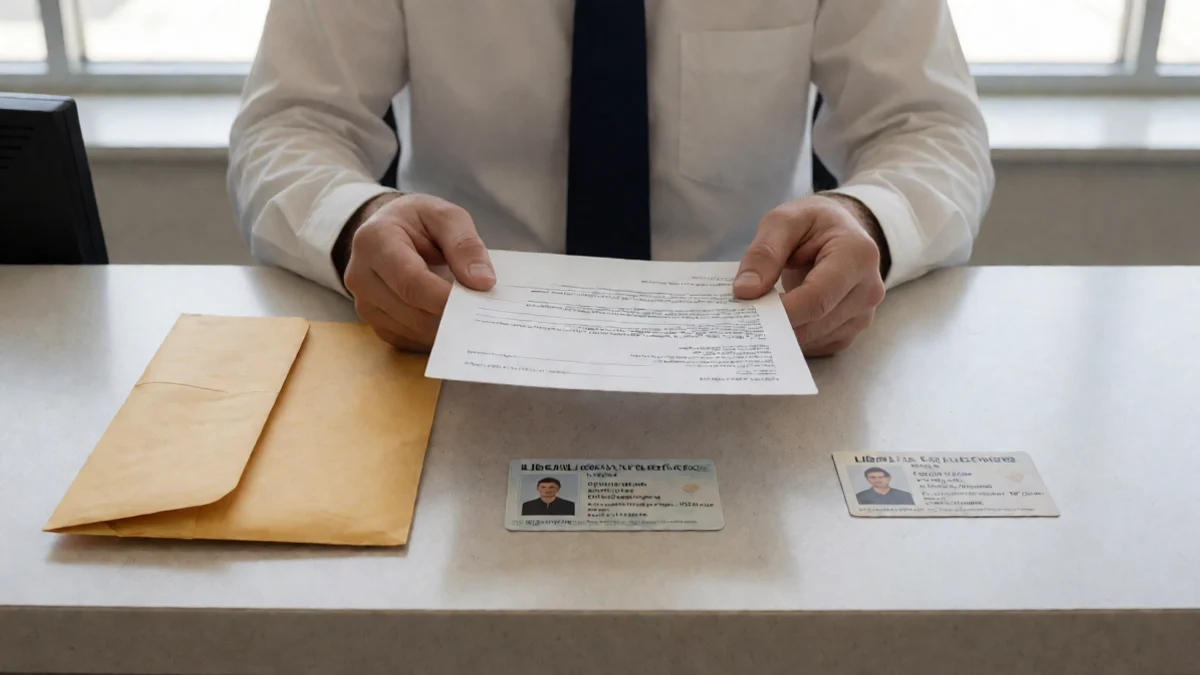
Treat every file request as a claim about identity and purpose
A request for a driver’s license, pay stub, utility bill, voided check, bank statement, or account access is a request for sensitive information, not proof that the requester is entitled to receive it. Start with five facts: the legal business name, a verified phone number, the website domain, the precise file destination, and a written explanation tying each document to an application step. A request for online-banking credentials, gift cards, secrecy, or unexplained remote access belongs in the high-risk category.
Ask what each file is meant to establish. Identification may be requested to confirm identity; a pay stub may be tied to income; an address document may be tied to residence; and a bank document may be tied to an account used for repayment. The explanation should identify the recipient and the handling terms, including the privacy notice. A familiar form or a standard-looking request does not answer those questions.
Payday lenders may seek authorization to take repayment electronically from a borrower’s bank account or may require a postdated check. That makes a request involving account information consequential, not routine. A secure transmission protects data while it travels; it does not establish that the recipient is legitimate or that every field in a statement is needed.
Verify the Liberal claim, Kansas record, and upload route separately
- Check the business claim. Get the legal business name behind the advertisement, its stated physical office, and its ordinary website. If it claims a Liberal office, independently confirm the address and phone number through details outside the text or email that delivered the request. A local phone number, map result, or Liberal address alone does not show who controls an application portal.
- Check the Kansas record. Use the legal name to locate the applicable Kansas license or registration record and compare the business details with the name presented to you. A record can support that a listed entity exists or holds a relevant authorization; it does not prove that a particular text, email, sender, or upload link came from that entity.
- Check the sender and destination. Contact the entity through the independently found number or website, then ask whether it sent the request. Compare the exact domain in the message, the upload URL, and the stated privacy notice with the destination the entity confirms. Do not use the link in the message as your only route to the answer.
- Check the connection without treating it as a verdict. A secure-session indicator shows an encrypted connection to the site you reached. It does not establish who operates that site, where the documents go after upload, or whether the requested information is necessary.
Upload only after the request earns an explained status
- Explained: the legal recipient, purpose of the document, verified contact details, exact upload destination, and stated handling terms line up. Before sending, ask whether unrelated account numbers, balances, household details, or identification fields can be covered or omitted.
- Unresolved: one or more facts remain unanswered, such as why a bank statement is needed, who receives the file, or whether the upload link belongs to the named business. Keep the request and seek the explanation through independently verified contact details before transmitting the document.
- High-risk: the requester demands credentials, gift cards, secrecy, remote-device access, or an upload route that conflicts with reliable business details. Stop the upload. Save the exact request, sender details, message headers, link destination, and the time received.
- For a concern involving a regulated lender or a claimed Kansas license, use the Kansas Office of the State Bank Commissioner’s current consumer-assistance route. For suspected deceptive representations in a consumer transaction, the Kansas Attorney General Consumer Protection Division accepts consumer complaints. If account credentials were given or unauthorized access occurred, contact the financial institution through its verified fraud channel. After identity exposure, use an appropriate identity-theft reporting resource; recovery work is a separate task.
Sources for this guide
- Can I stop a payday lender from electronically taking money from my bank or credit union account? — Consumer Financial Protection Bureau
- What should I consider if I'm thinking about getting a payday loan online? — Consumer Financial Protection Bureau
- Should I get a payday loan if I need money now? — Consumer Financial Protection Bureau